A web audit: much more than a score.
Full Audit brings the analysis of your pages together in a report organized by areas. Start with an overview, then dig into the data, the checks and the recommendations that explain each result.
Run my first auditFrom the overall result to concrete evidence.
An overview per page
See the Web Analyzer, Lighthouse, GEO and Agent Readiness scores alongside the overall result. In multi-URL audits, review the results per page to locate where to dig deeper.
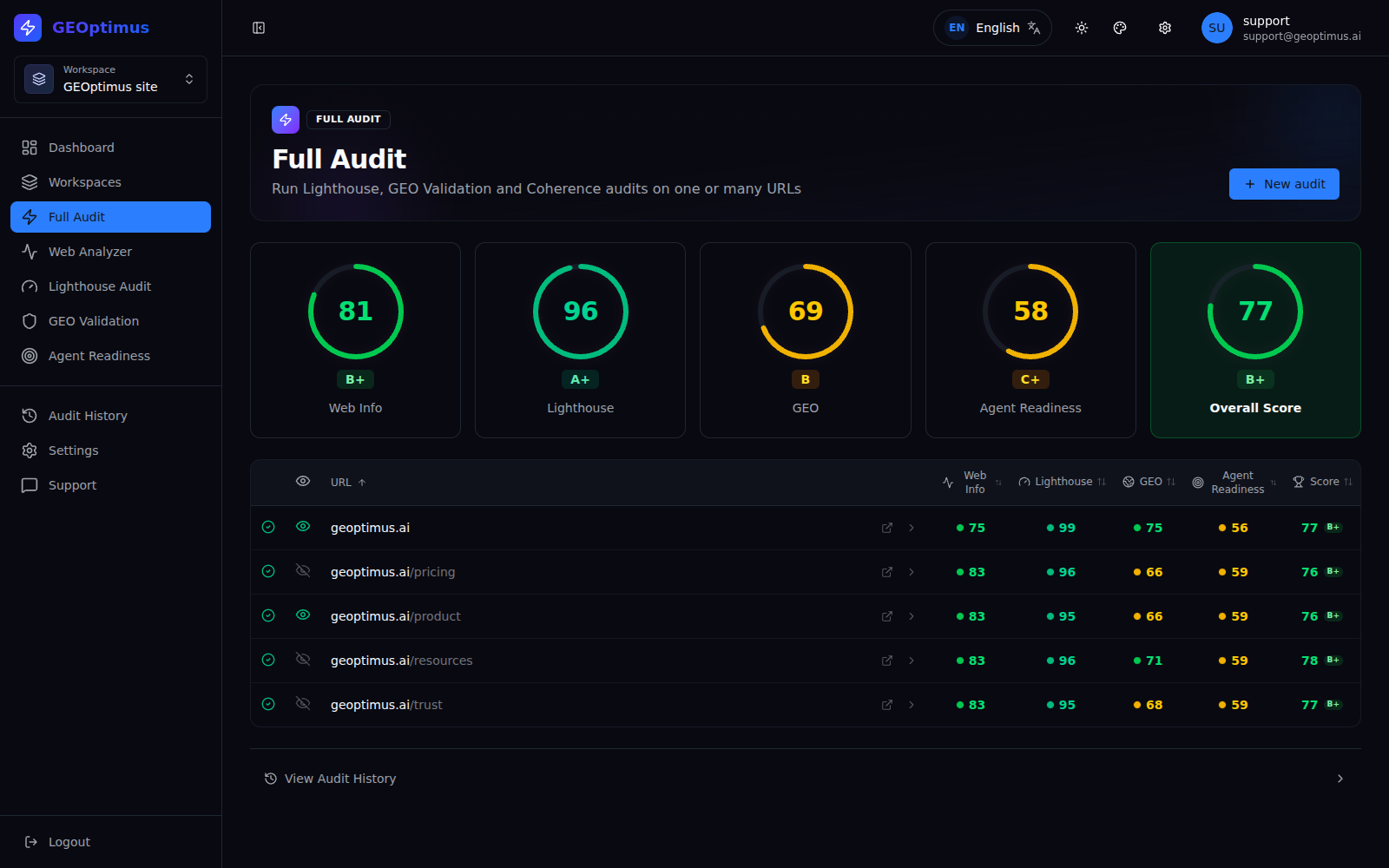
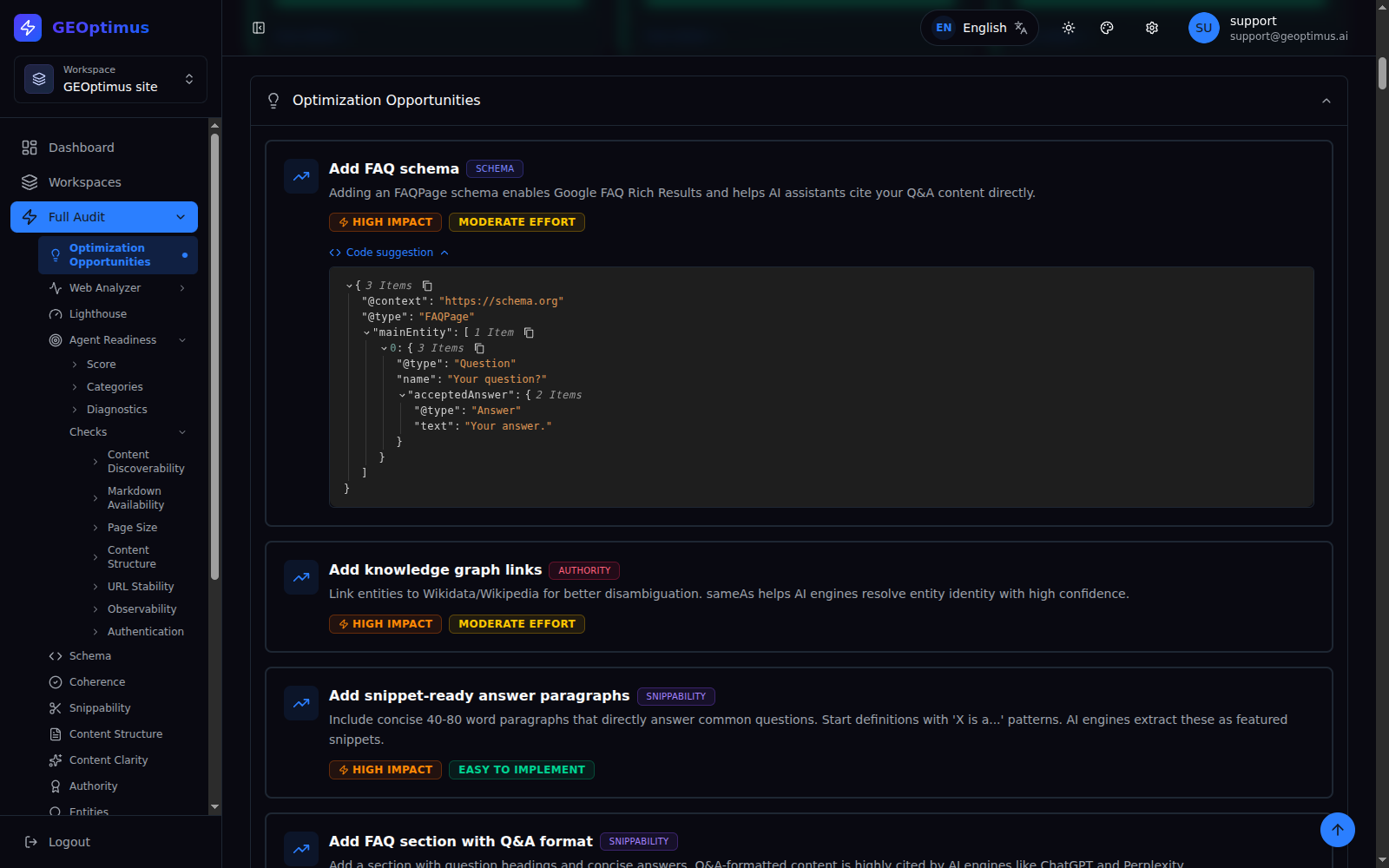
Opportunities to decide what to tackle first
Find improvement suggestions with their category and, when available, impact and effort estimates. Some include code examples you can adapt to your real content.
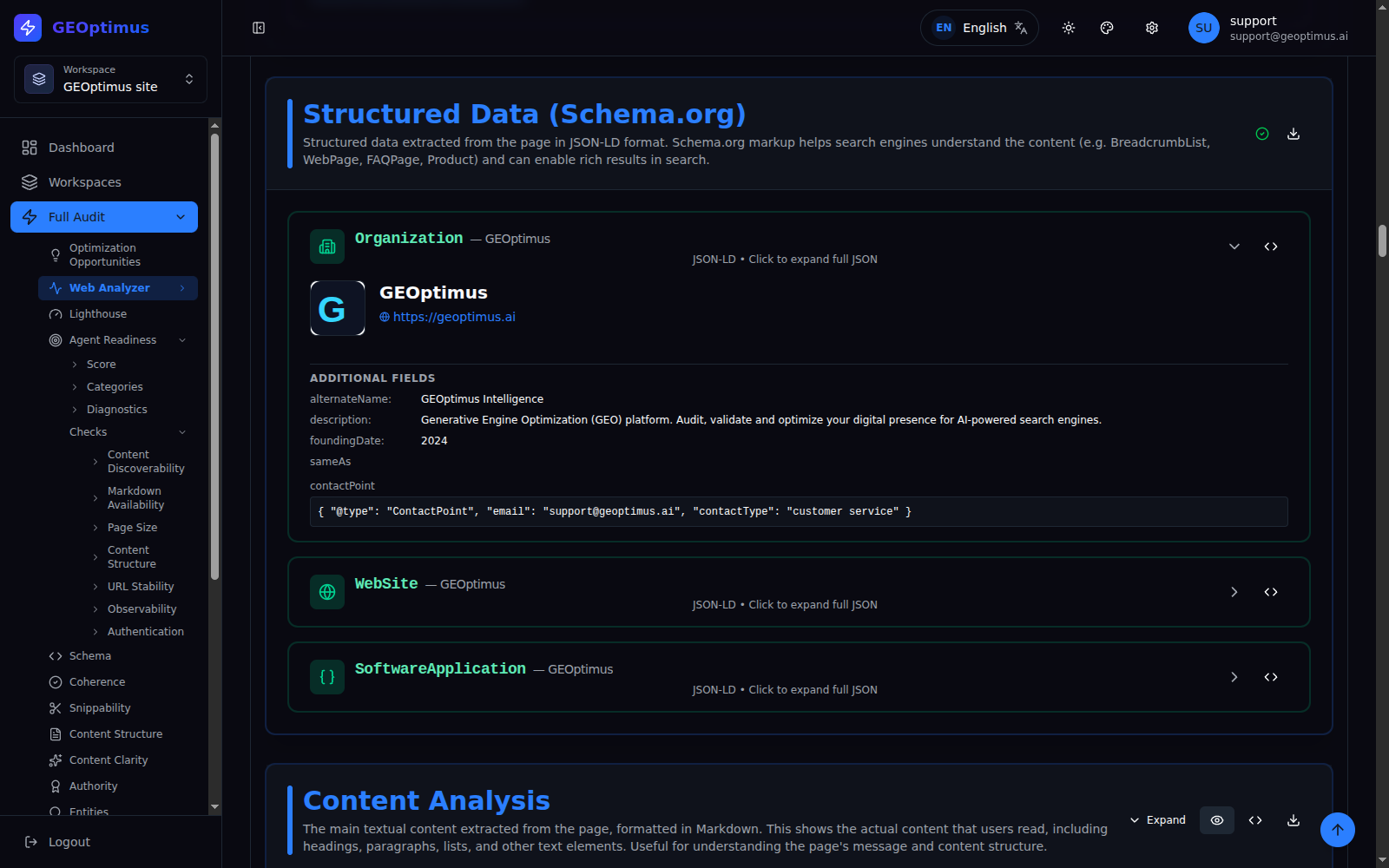
The information your page is exposing
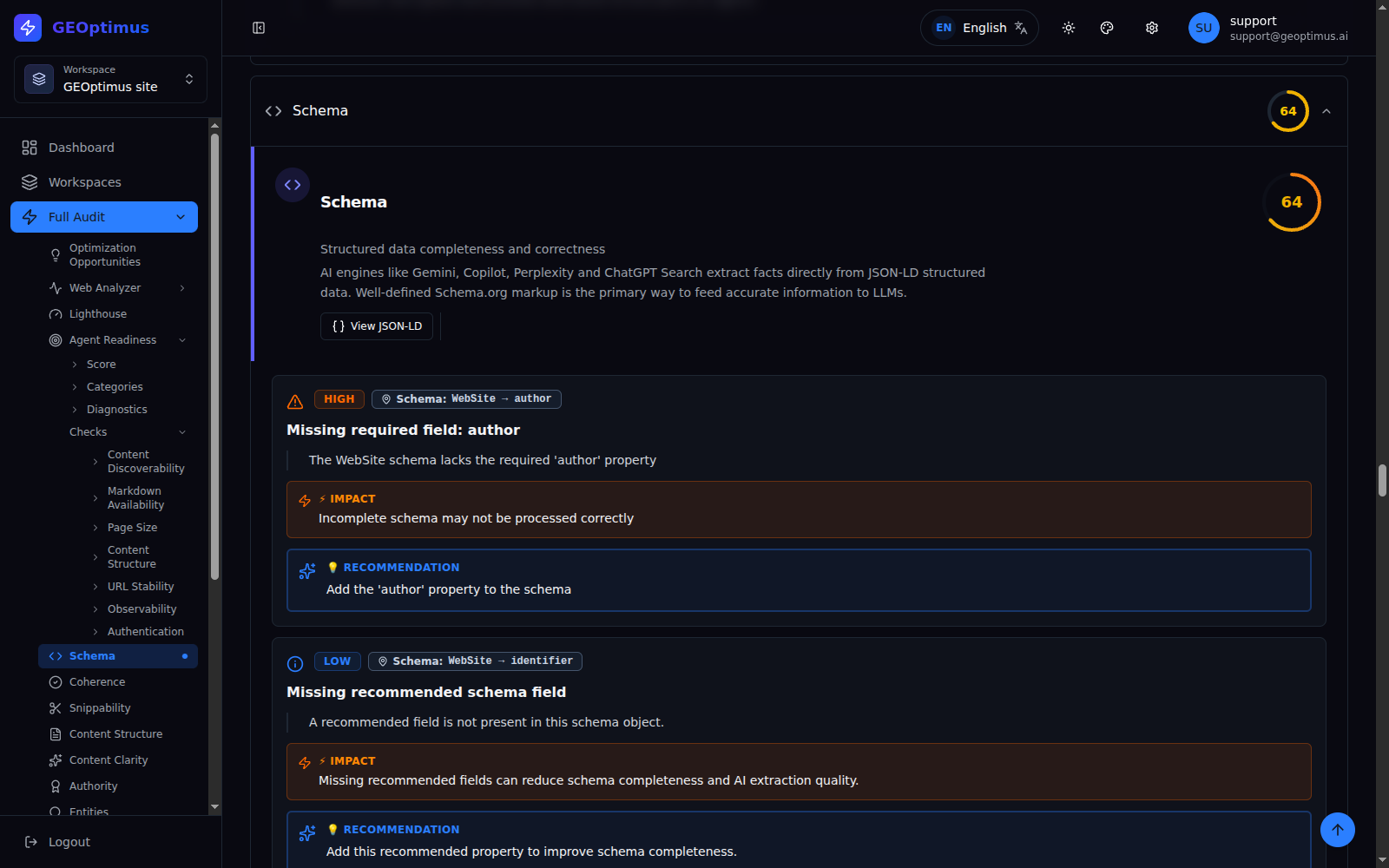
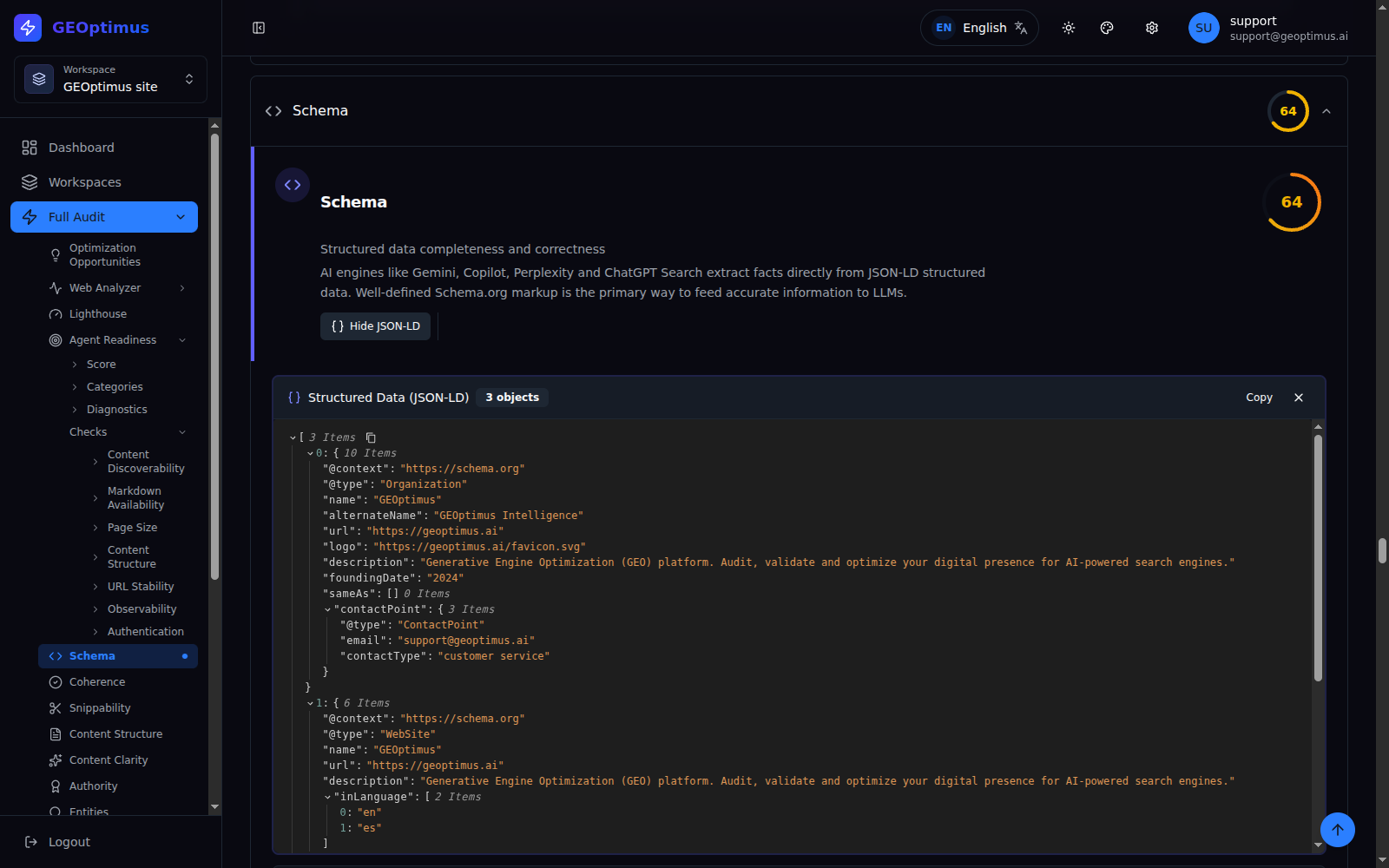
Inspect the title, description, canonical, OpenGraph, Twitter Cards and JSON-LD. Also see the content extracted as Markdown and the links grouped by domain.
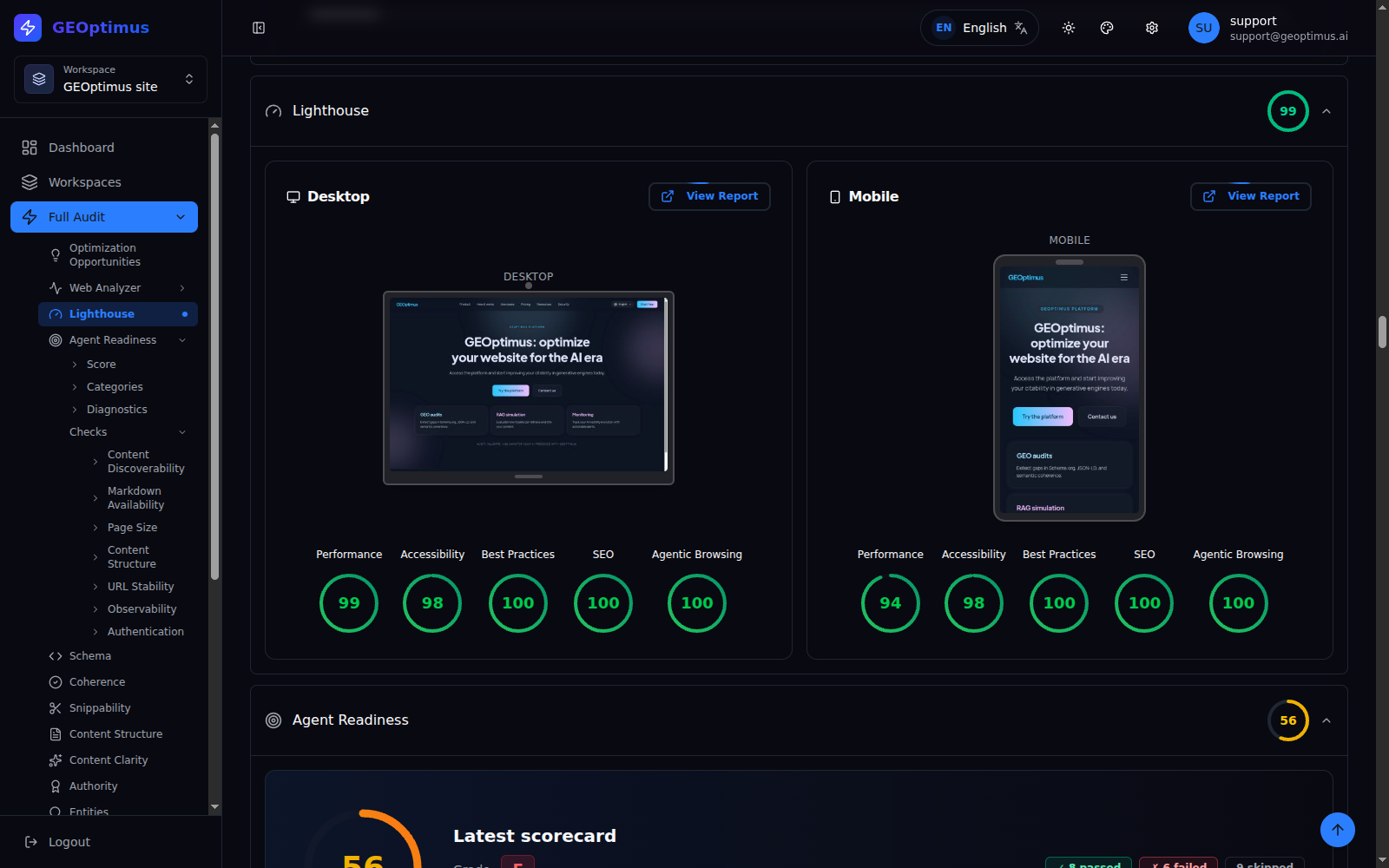
Performance and accessibility on desktop and mobile
Access the Lighthouse results and their reports to investigate performance, accessibility, best-practices and SEO issues.
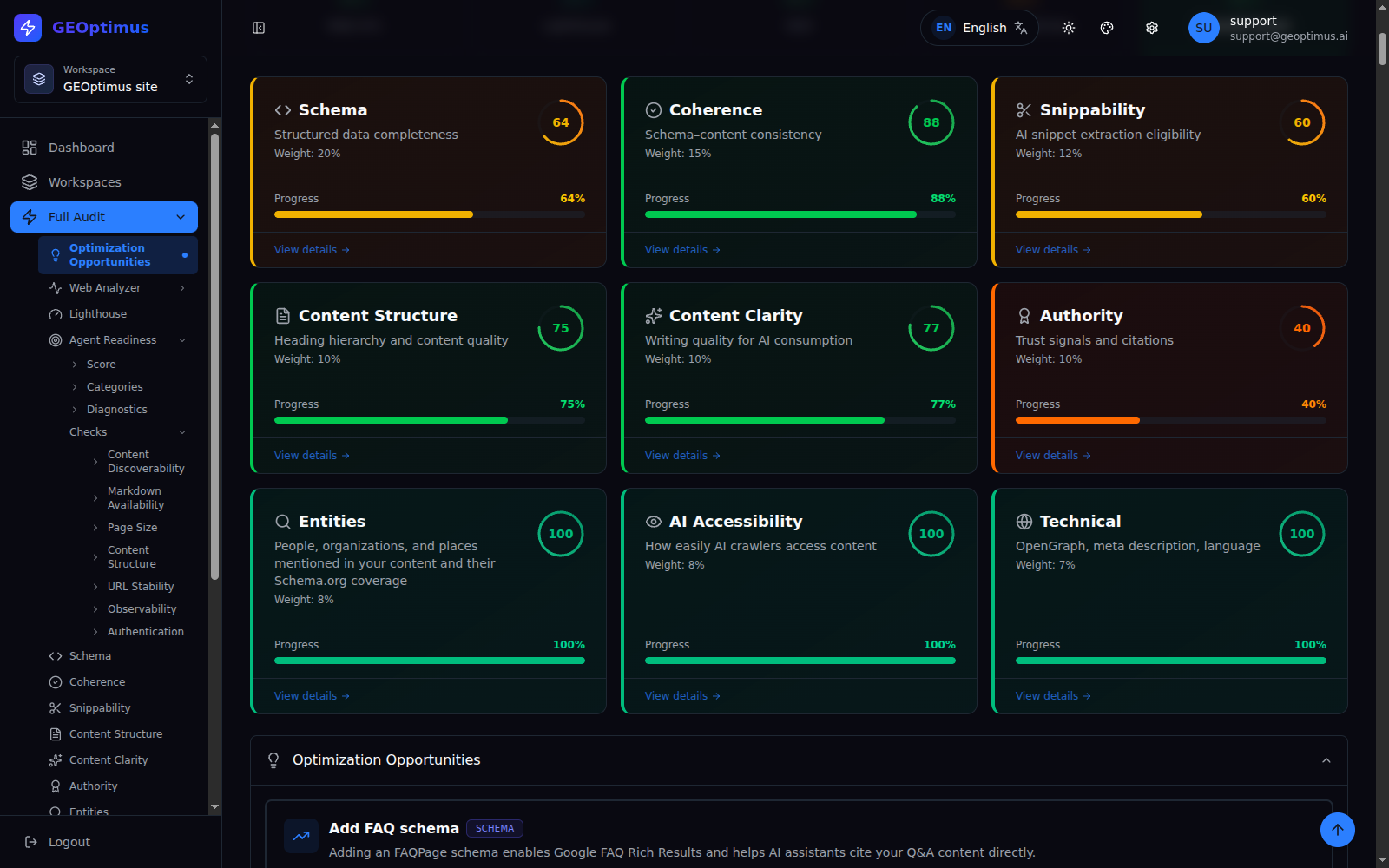
Nine dimensions to go deeper into GEO
| Dimension | What you can review |
|---|---|
| Schema | Completeness of structured data and findings about its properties. |
| Coherence | Correspondence between structured information and visible content. |
| Snippability | Presence of answers, definitions, lists and extractable patterns. |
| Structure | Heading hierarchy and content organization. |
| Clarity | Paragraph and heading length, and readability signals. |
| Authority | Authorship, publication and identity reference signals. |
| Entities | Detected entities and their relationship with the structured data. |
| AI accessibility | Content visibility signals and metadata alignment. |
| Technical | Metadata, language, directives and URL consistency. |
Readiness for agent access
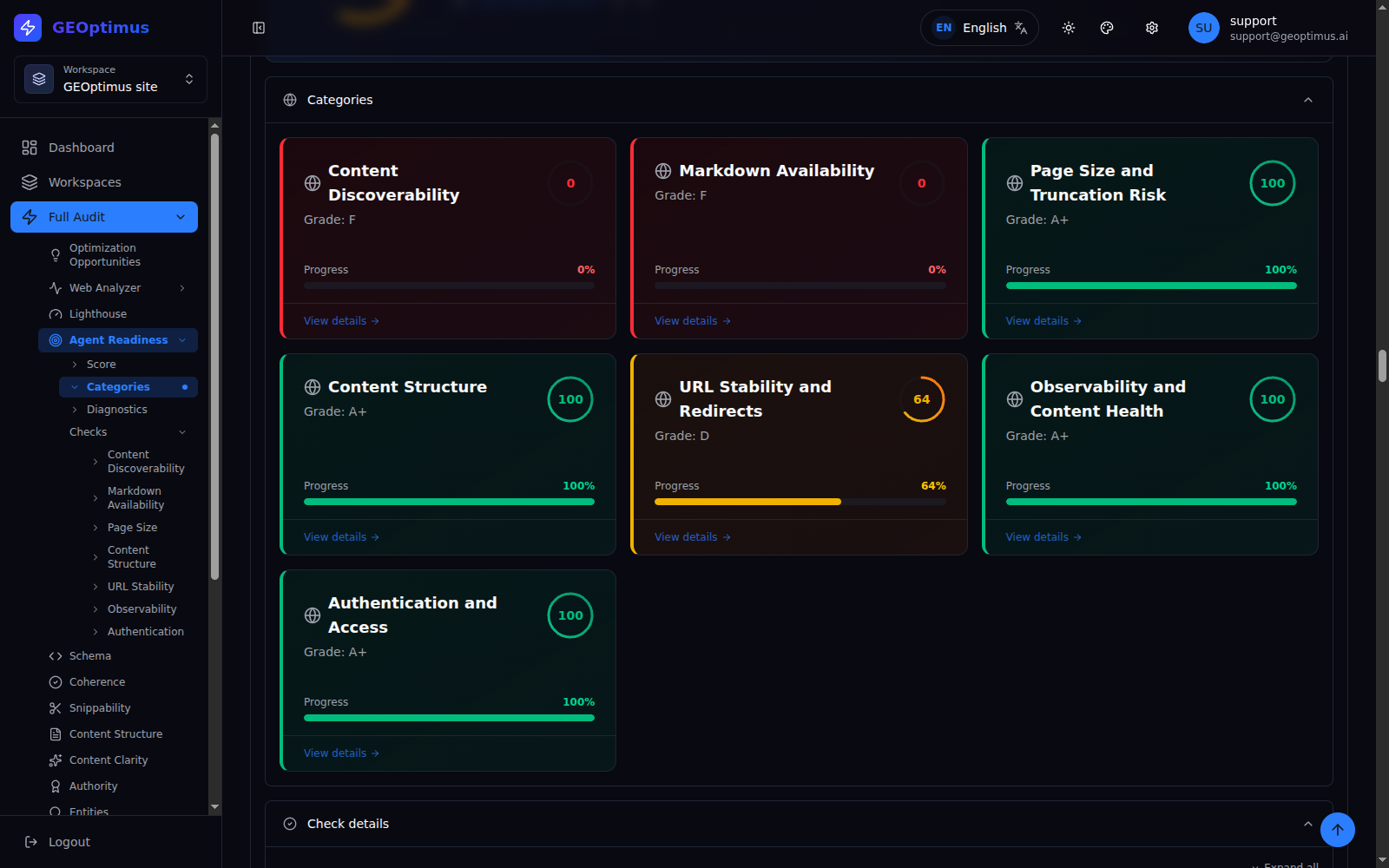
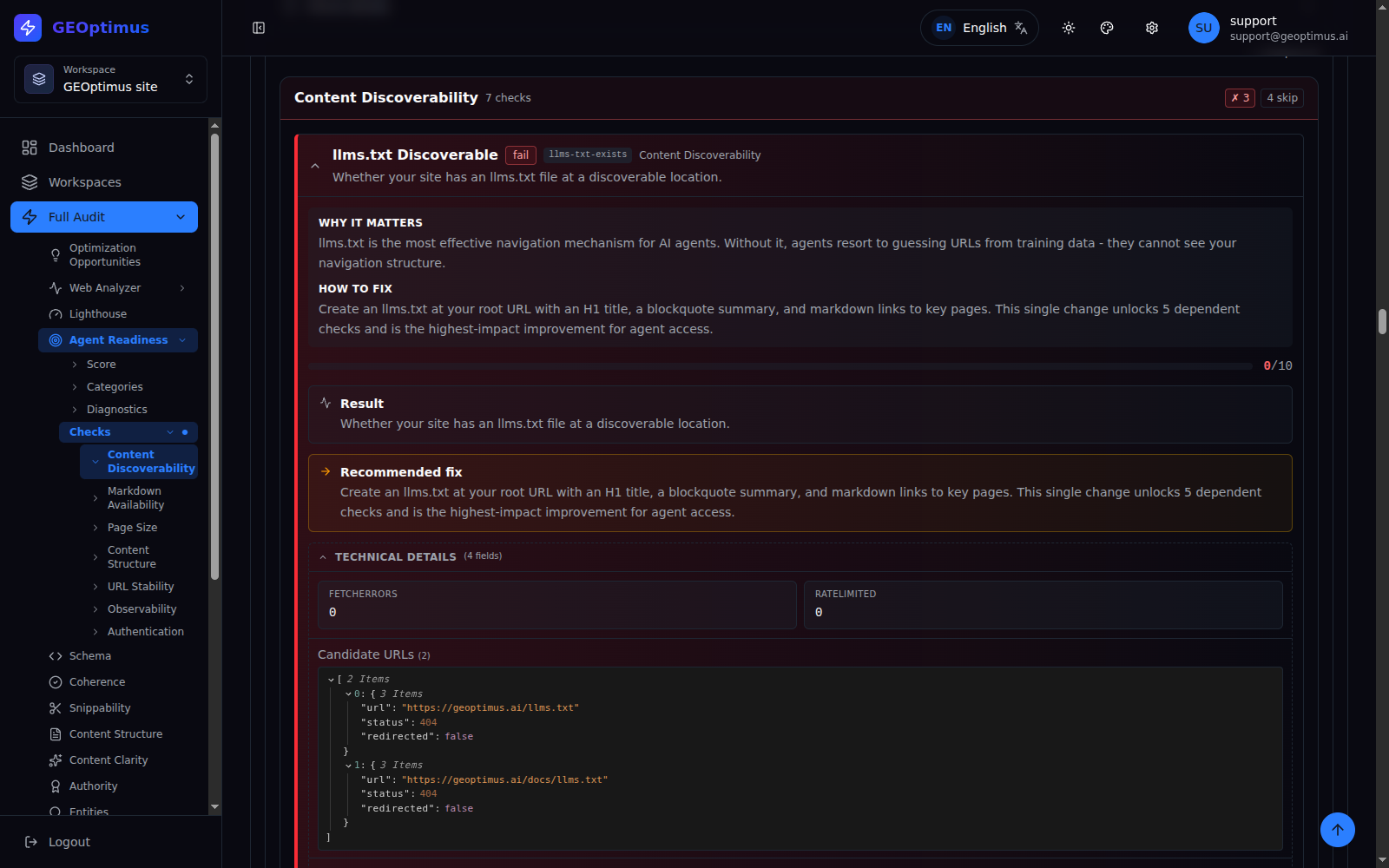
Review checks on discovery via llms.txt, Markdown availability and negotiation, server-rendered content, size and truncation risk, structure, HTTP responses, redirects, cache and access.
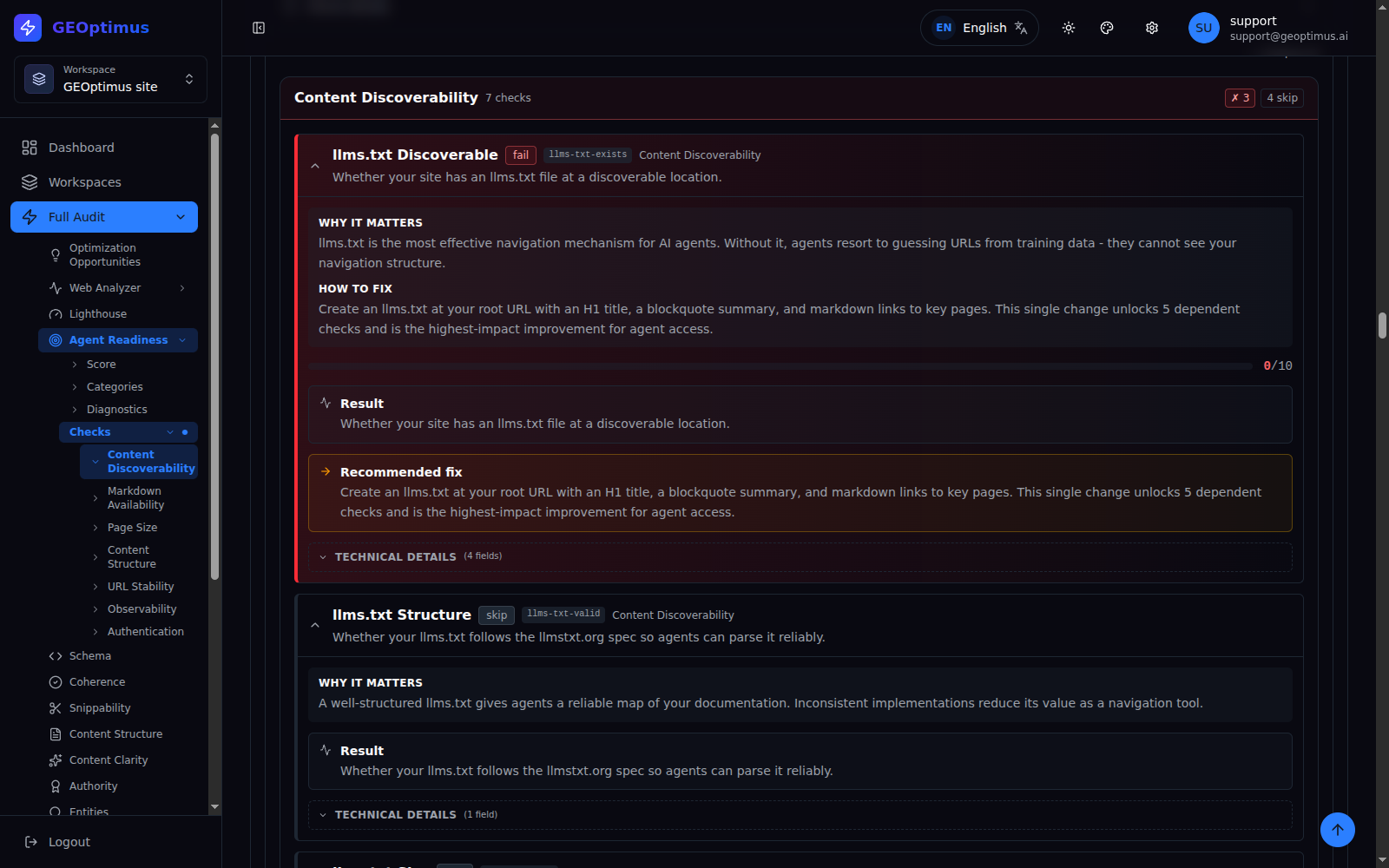
The results distinguish between passed, failed and skipped checks. Opening them lets you see explanations, recommendations and, depending on the check, technical details such as pages tested, errors and dependencies.
Explore more report details
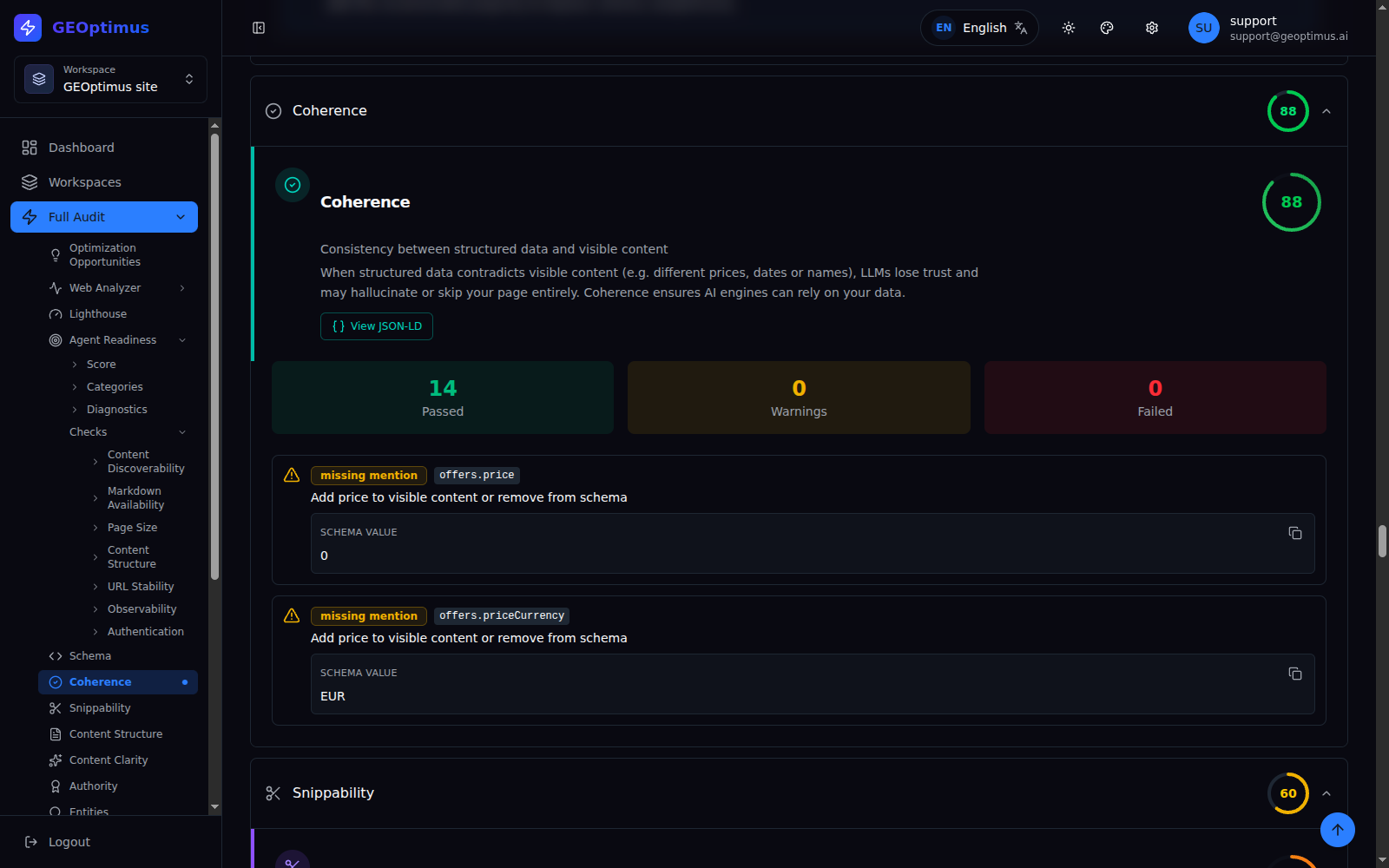
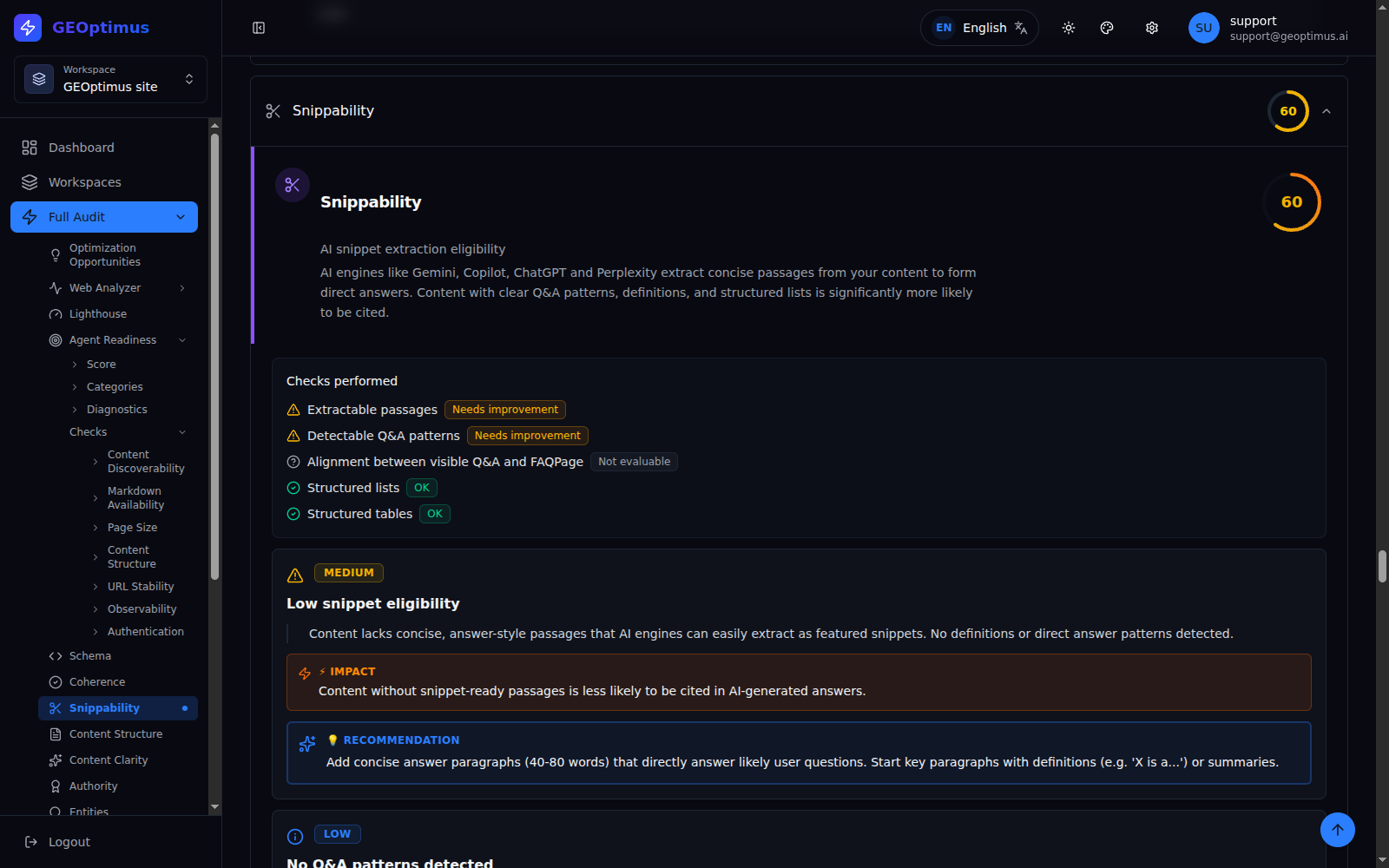
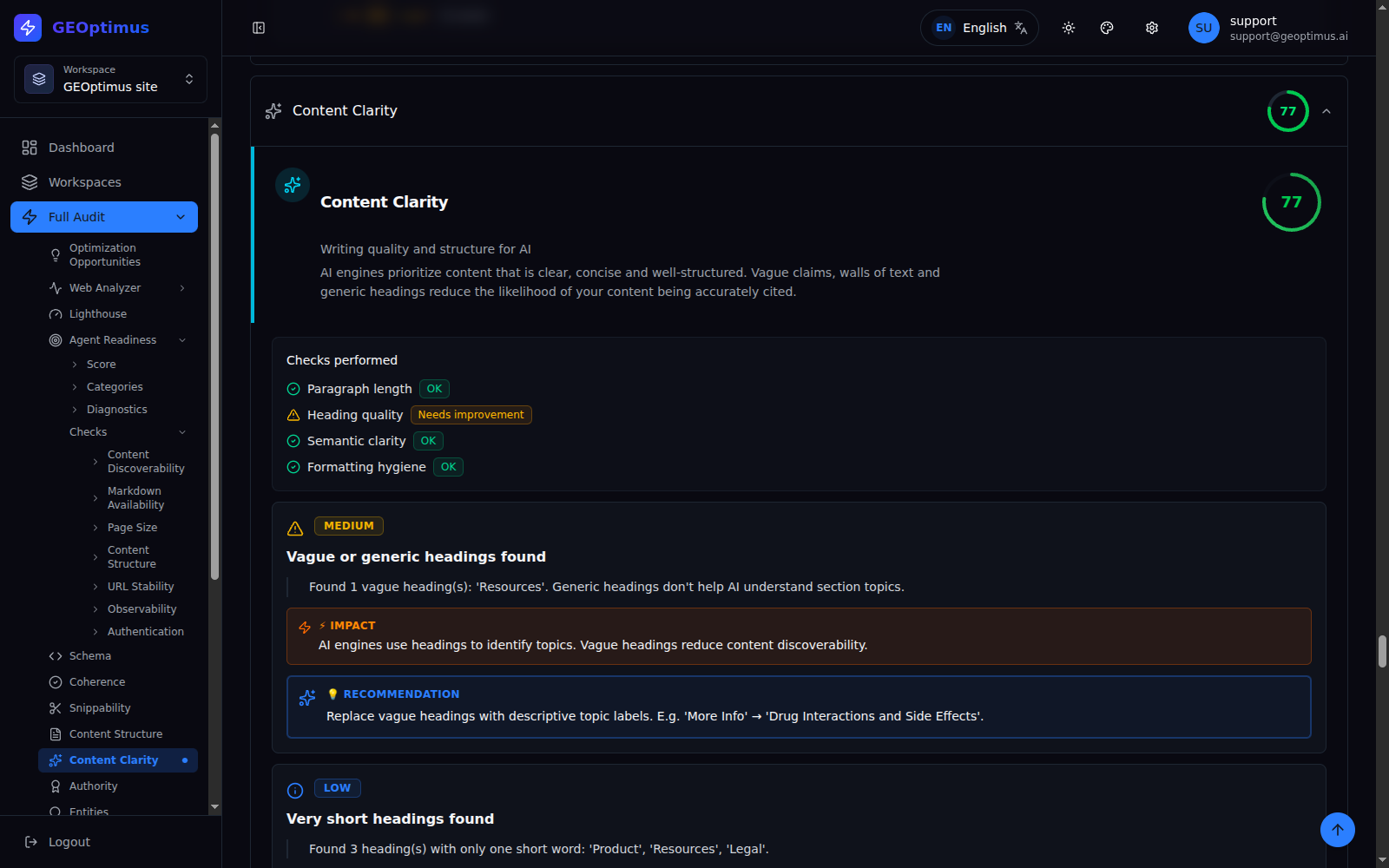
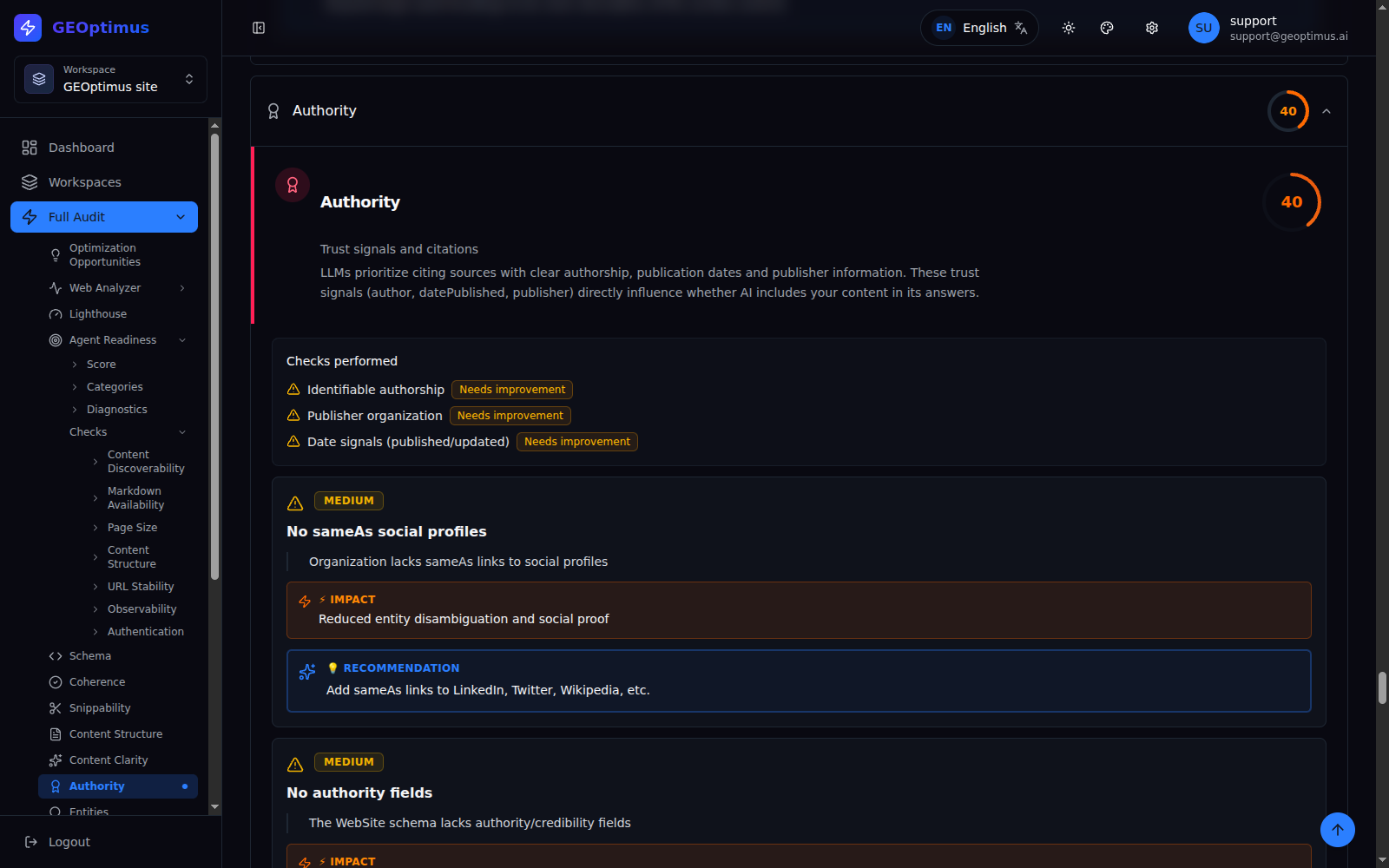
Keep the starting point. Review what changes.
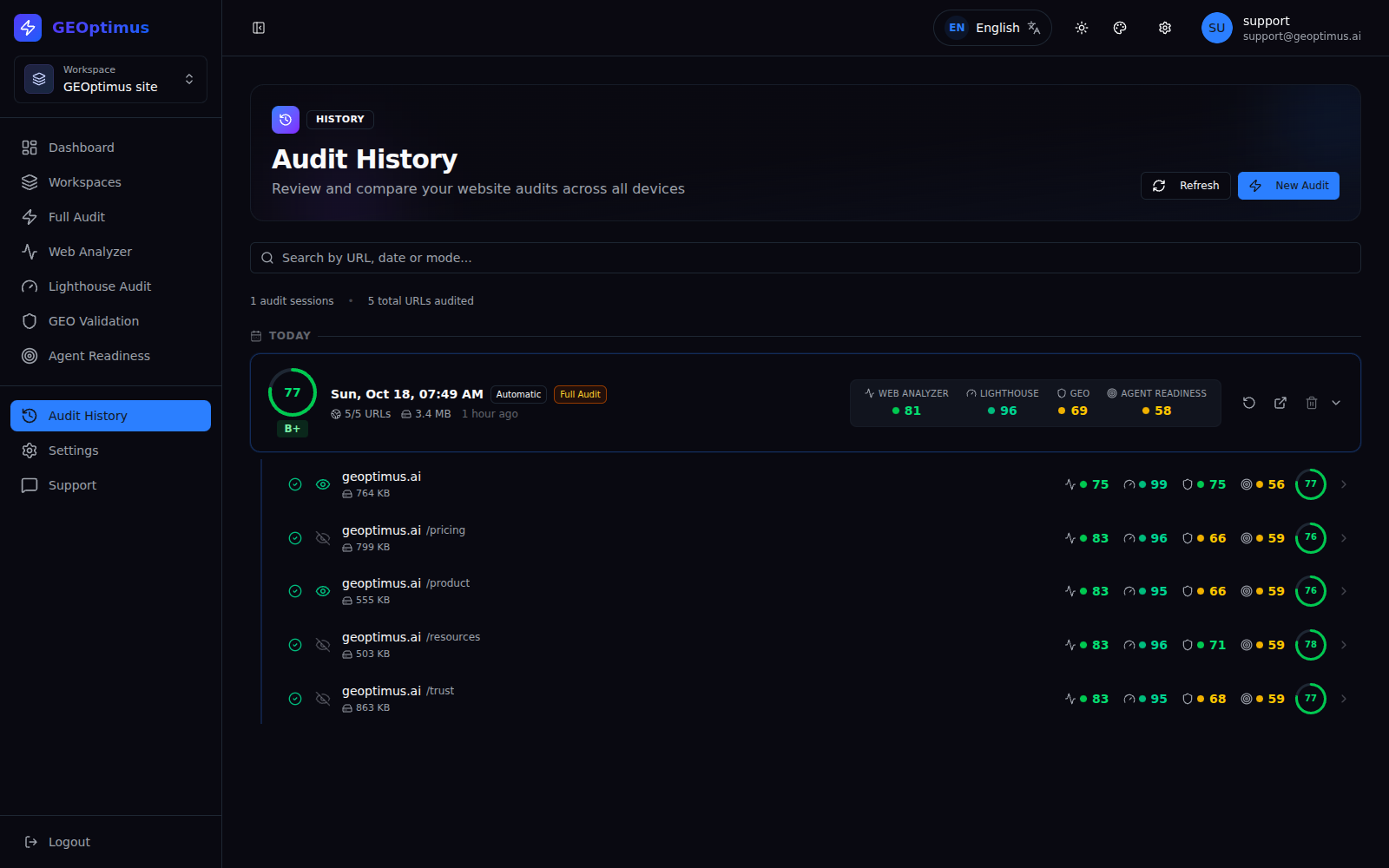
An audit documents the result of the analysis at a specific moment. Retrieve it from the history, apply improvements and run a new test to compare the results.
- Browse previous sessions and the URLs they analyzed.
- Retrieve the detail of saved results.
- Re-run the tests after changing your site.
- Delete the audits you no longer want to keep.
Storage is subject to your plan's storage capacity. No automatic difference comparer or unlimited retention is promised here.
A full audit, or a focused analysis on what you need.
Besides Full Audit, you can work with Web Analyzer, Lighthouse Audit, GEO Validation and Agent Readiness independently. Use the full analysis for context, or a specific tool to investigate one area.
Full Audit
The complete analysis of your website in a per-page report, with every area in a single run.
Web Analyzer
Content and page data analysis: metadata, extracted content and links.
Lighthouse Audit
Performance, accessibility, best practices and SEO on desktop and mobile.
GEO Validation
Nine dimensions of content readiness for AI and agents.
Agent Readiness
Discovery, Markdown, rendering and access conditions for agents.
Explore the diagnosis in your language.
The GEOptimus interface is available in English, Catalan, Spanish, Portuguese, French, German and Japanese.
Change the language from within the application to navigate the tools and read the interface explanations in whichever is most comfortable for you.
For teams working in different languages, this lowers the barrier to entry and makes it easier for more people to take part in reviewing a website.
Scope note: third-party reports, extracted content and certain results may keep their original language. Interface availability in a language does not guarantee identical language coverage of every analysis.
What do you want to check on your site?
"I'm about to publish or redesign a page."
"I have several pages and I don't know where to start."
"I changed the content or the structured data."
"I want to make access for AI agents easier."
"I work on several projects or clients."
Recommendations to make decisions, not impossible promises.
GEOptimus combines checks and assessment criteria to point out opportunities. A recommendation must be interpreted according to the type of page and its real content: not every suggestion applies to every site. Improving a score does not guarantee ranking, traffic or citations in AI engines.
Check the value with one of your own pages.
Create your account, run an audit and explore the detail. The best way to understand GEOptimus is to see what it finds on your own site.